Follow each job’s money from your phone.
The app keeps the ledger of every building job: what was spent, on what, with which invoice; what the client paid; what your percentage comes to; what each partner holds. It runs in the browser and installs on any phone.
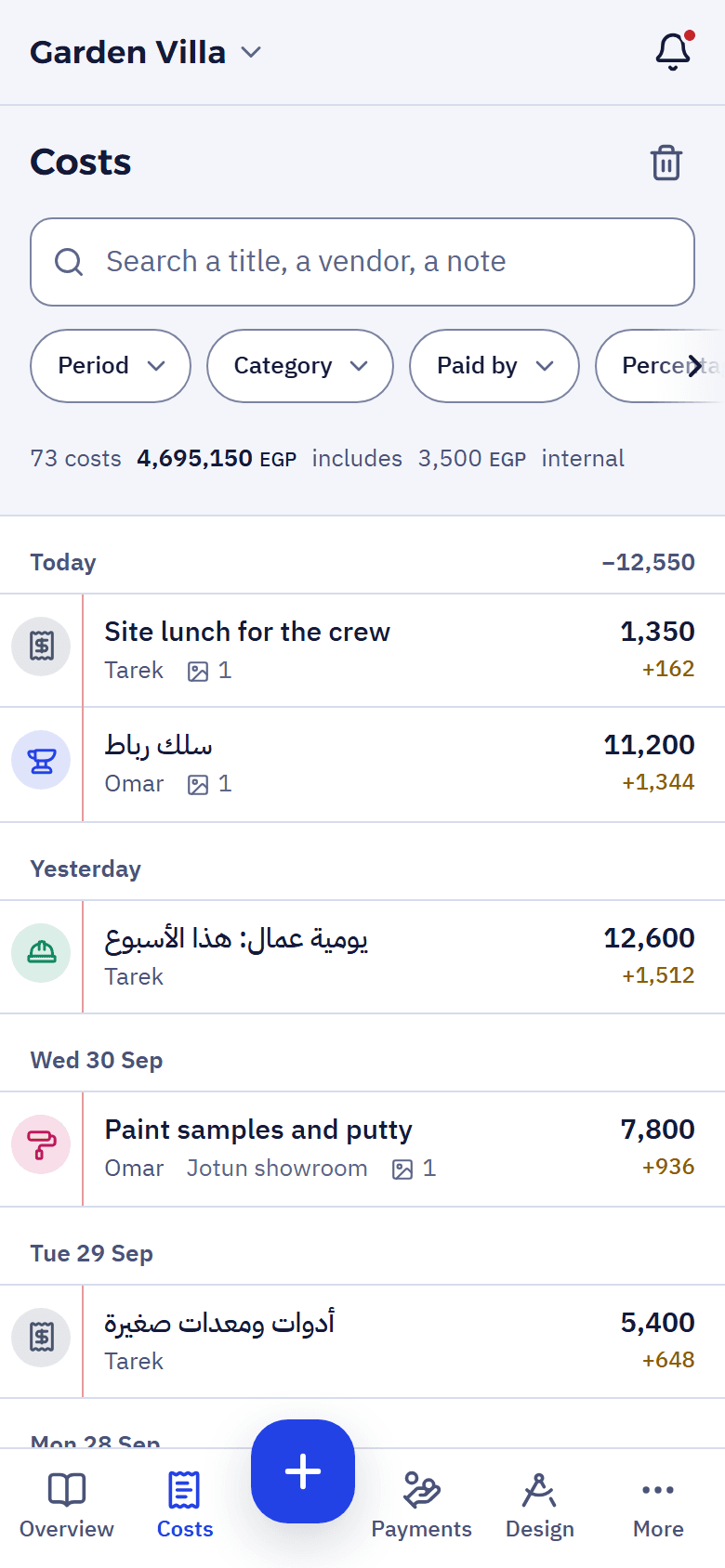
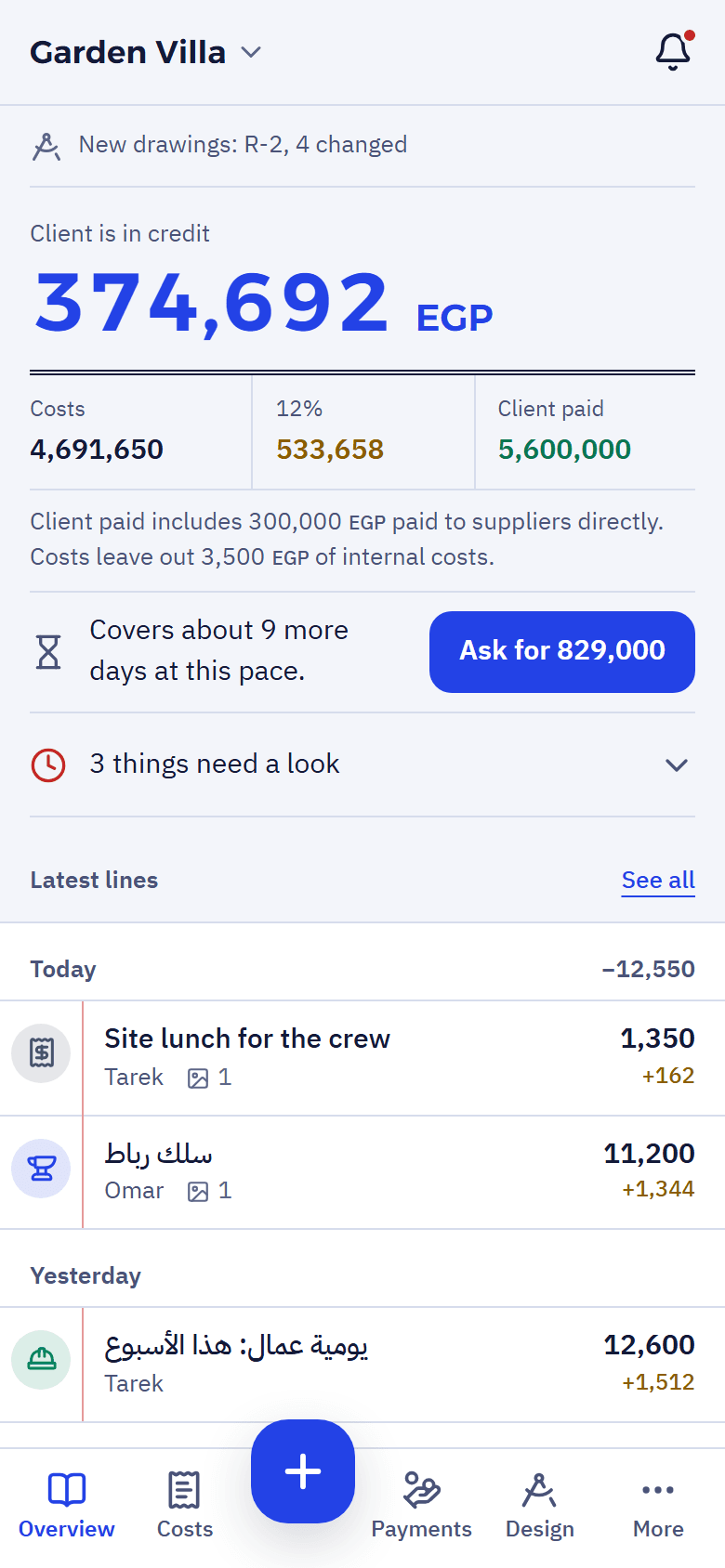
-
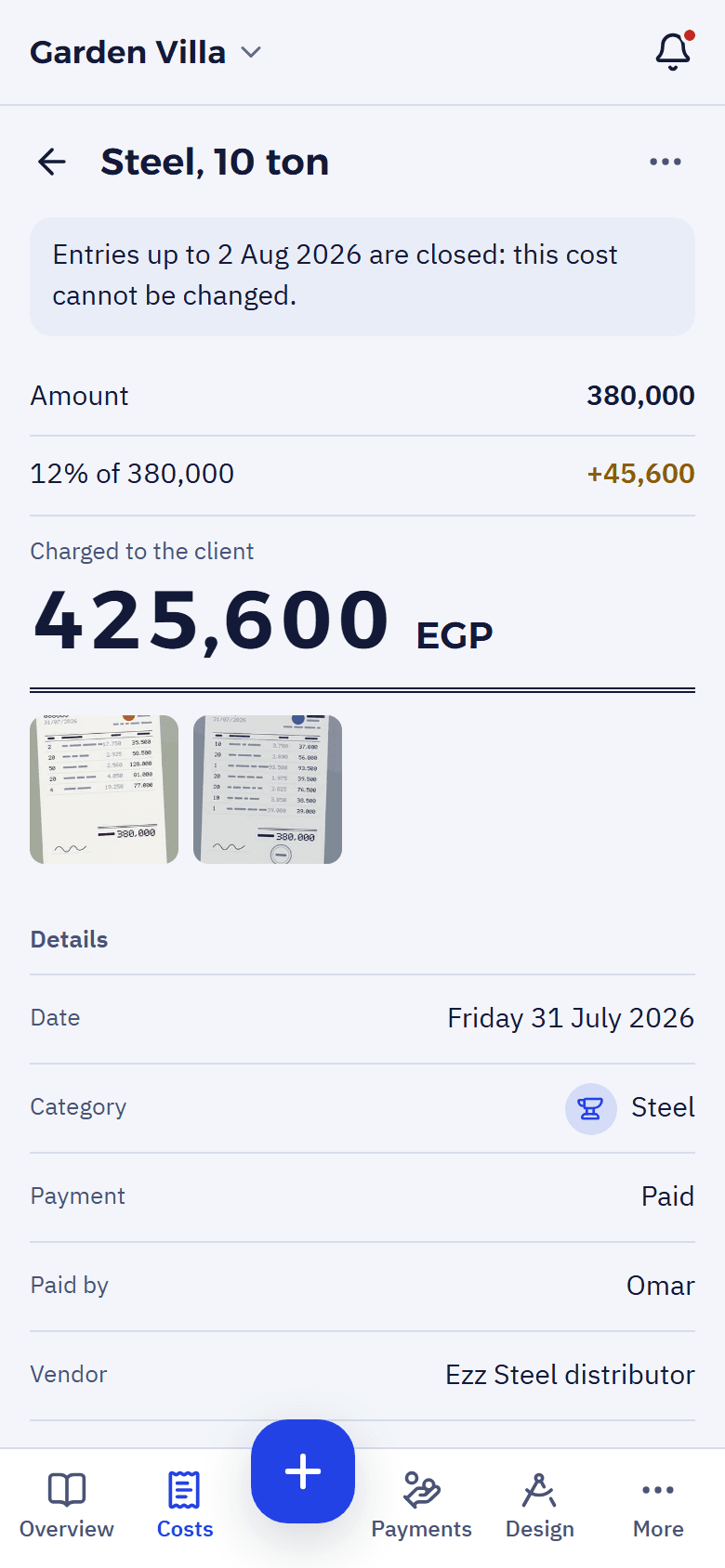
A cost is one line on the tape.
The amount, what it was for, who paid, the vendor and the invoice photos. The percentage is worked out on it, or left off when you mark it excluded or internal. Once a period is closed, nothing before it changes.
-
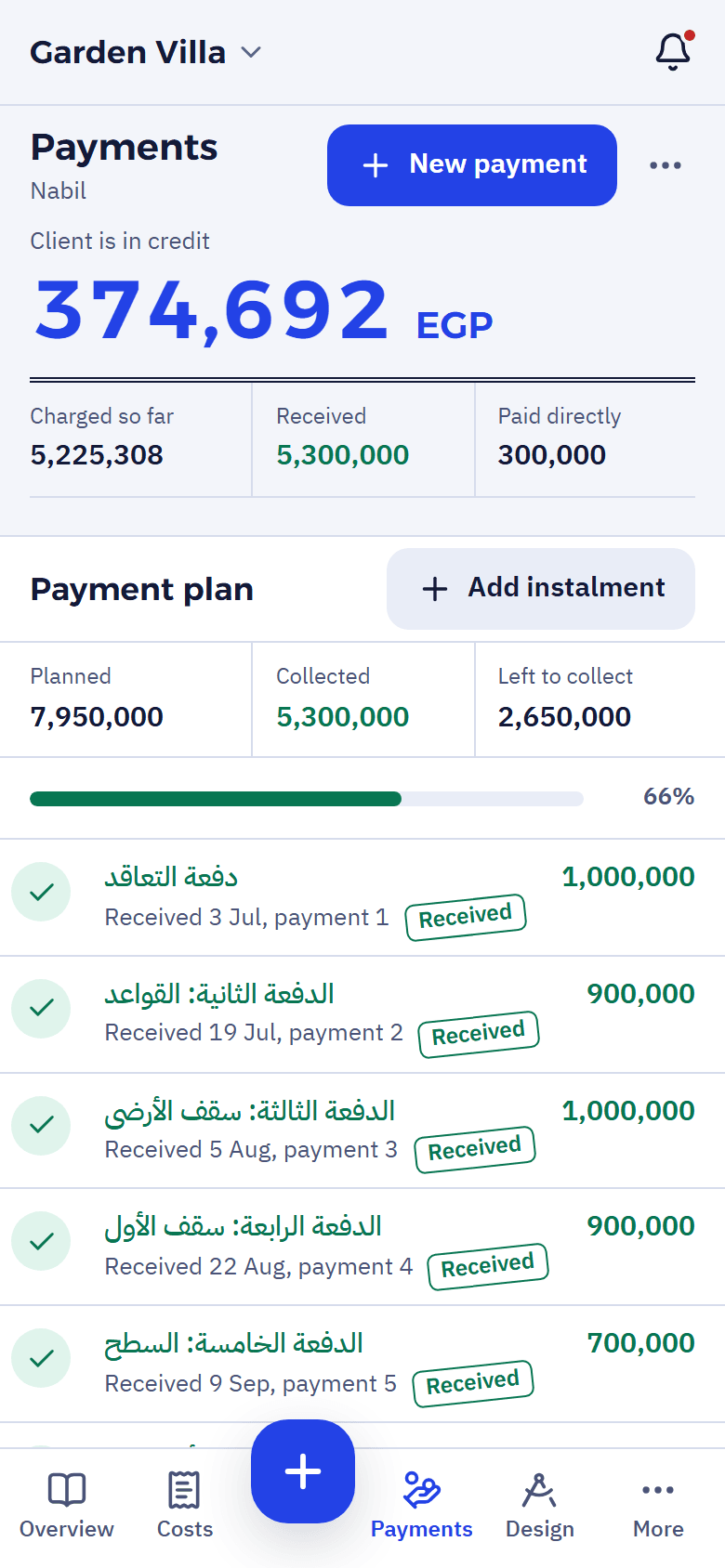
A client payment gets its stamp.
Each payment from the client is a green line with its Received stamp and receipt. The balance says who owes whom: “Client owes” in red, or “Client is in credit” in blue. When the money runs low, the app tells you how many days it covers at this pace, and how much to ask for.
-
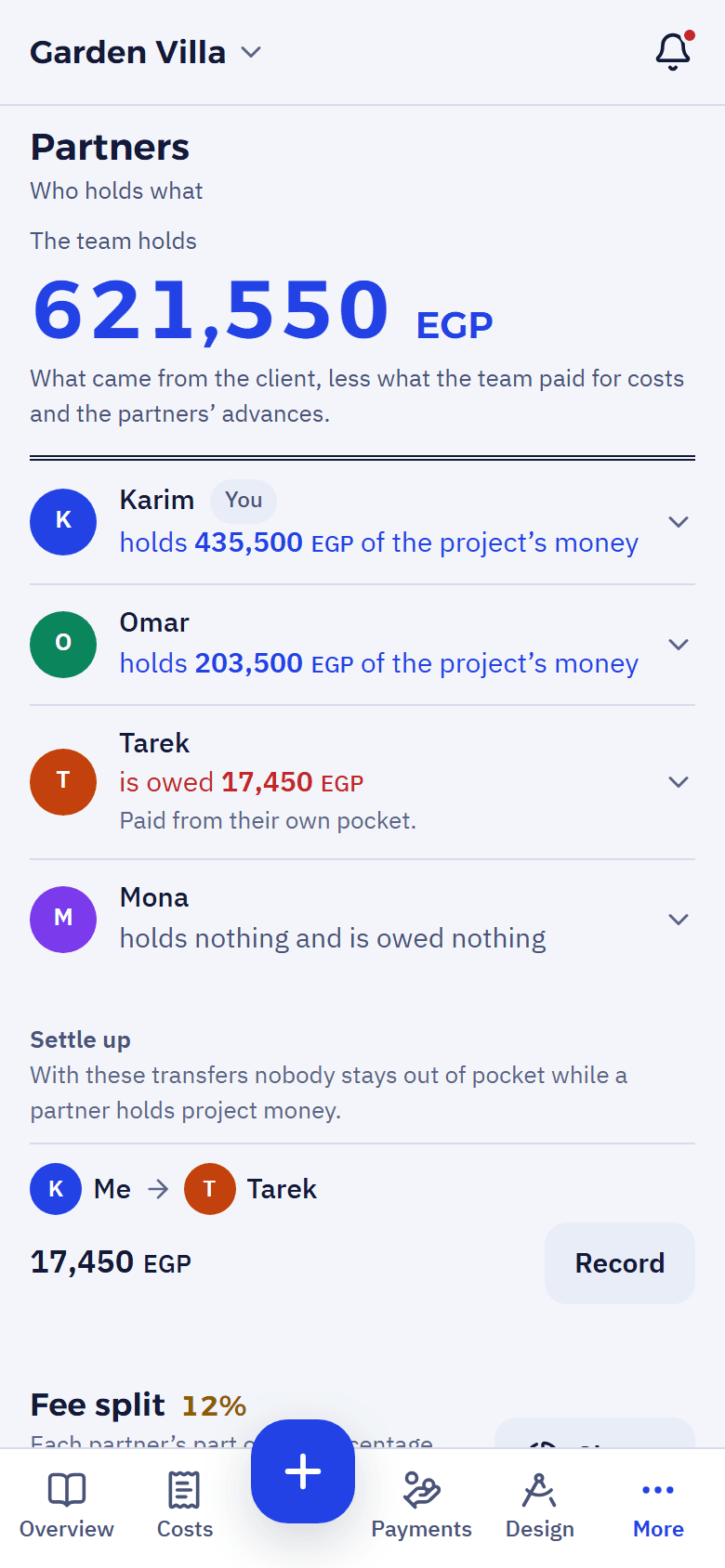
Partners see who holds what.
When partners pay from their own pockets and take in client money, the app keeps each one’s balance and suggests the transfers that settle up.
-
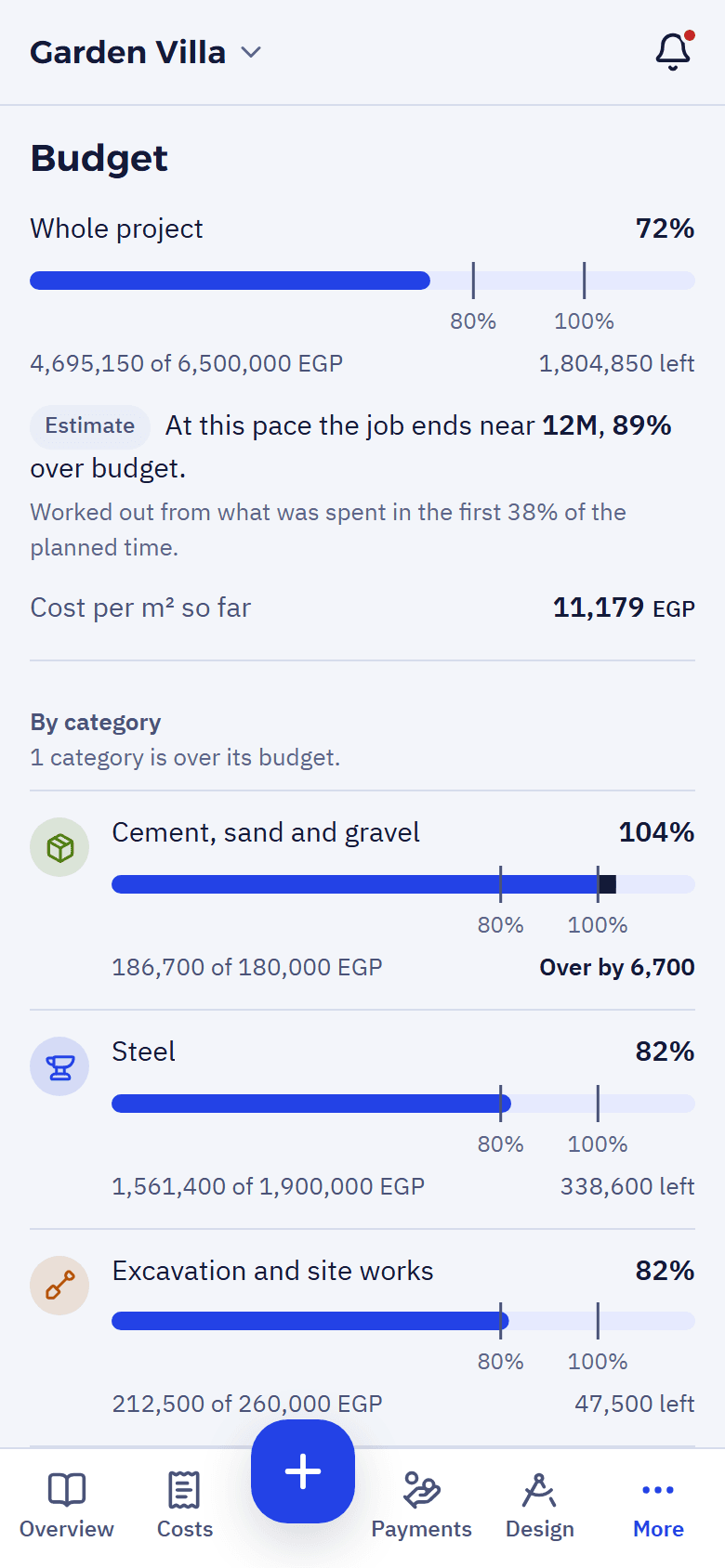
A budget that warns early.
Set a budget per category and see what is left, with an estimate of where the job ends at this pace. Reports, and a statement you can print for any period.
And also
- Offline on siteEntries are kept on the phone and go when there is signal.
- Arabic and EnglishEvery screen in both, with numbers always left to right.
- Four rolesThe owner runs everything, a manager records and invites, a contributor adds costs without seeing the percentage, a monitor sees and changes nothing.
- NotificationsDue tomorrow, overdue, or the client opened the statement.
- HistoryEvery change, who made it, and when.
- DesignThe drawings you publish from Studio: plans, 3D and renders, for the whole team.
Start at app.roomviz.net
Sign up with your email or Google. Early access is free.