Your client sees what you choose, and nothing else.
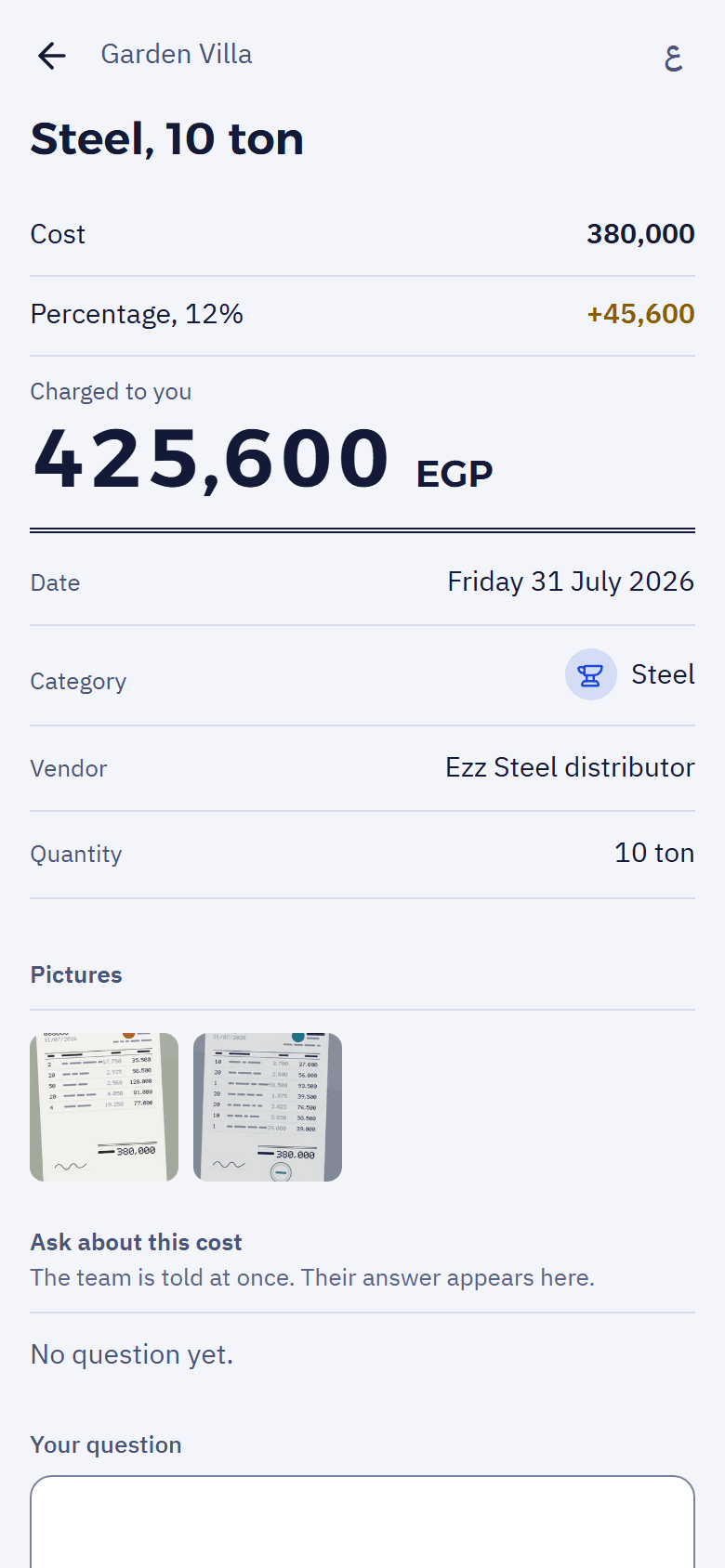
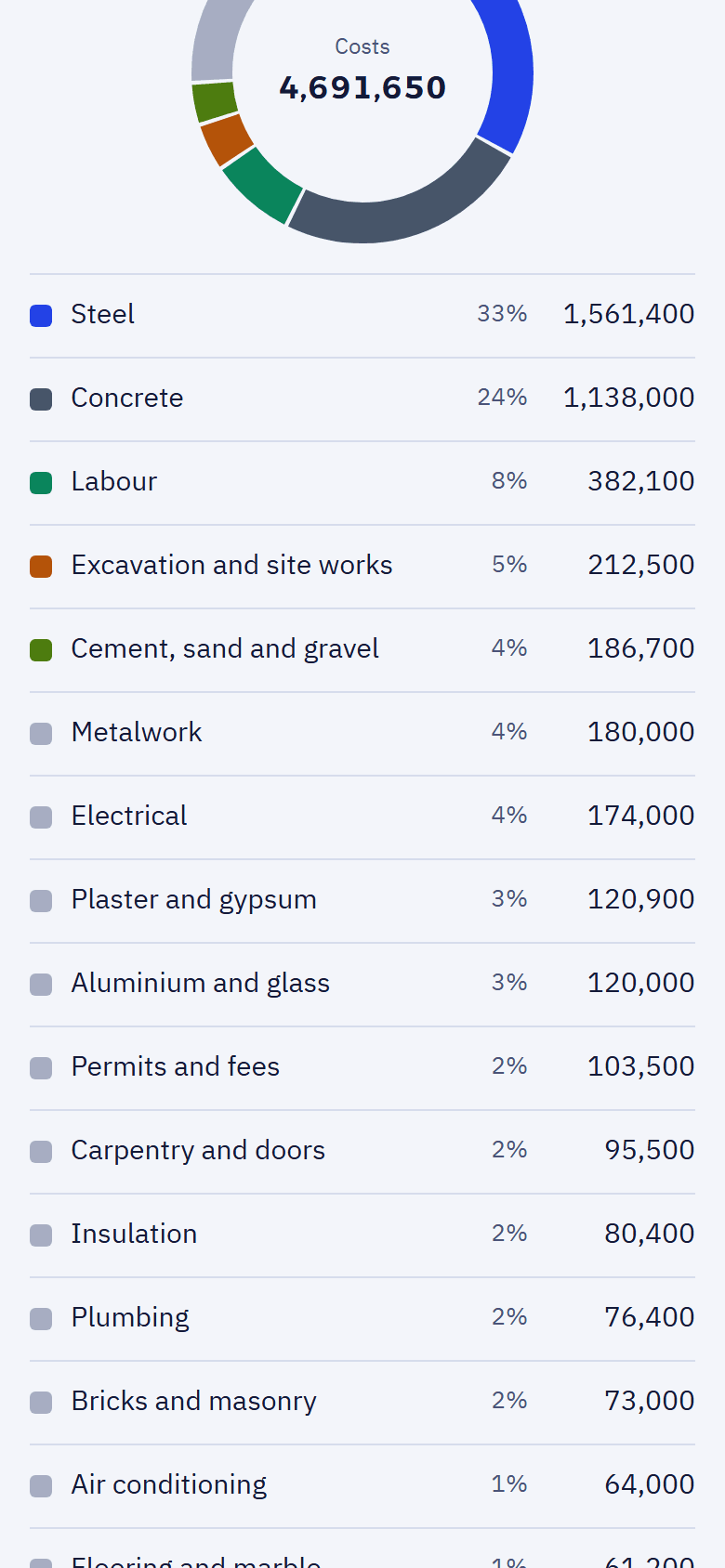
Each client gets a link to their own statement. No account, no password, no app to install. You decide what it shows, and you can change your mind at any time.
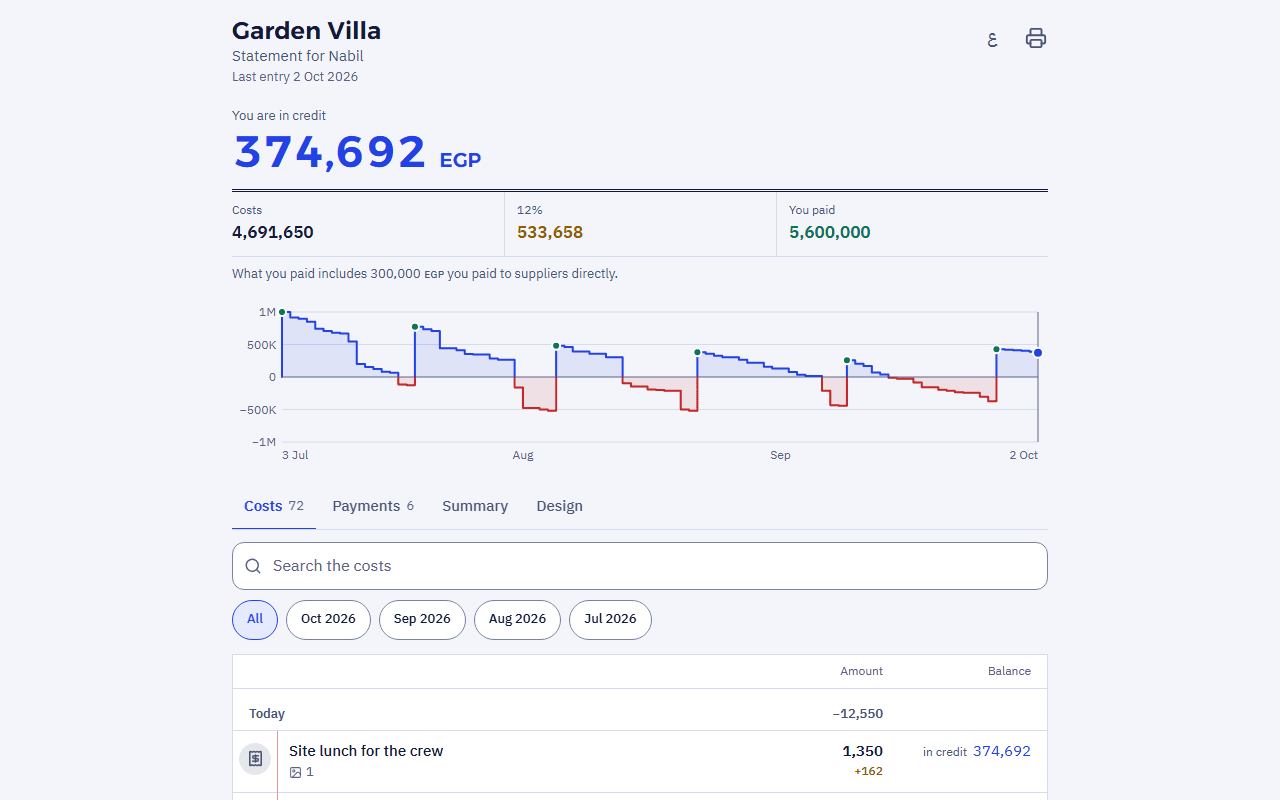
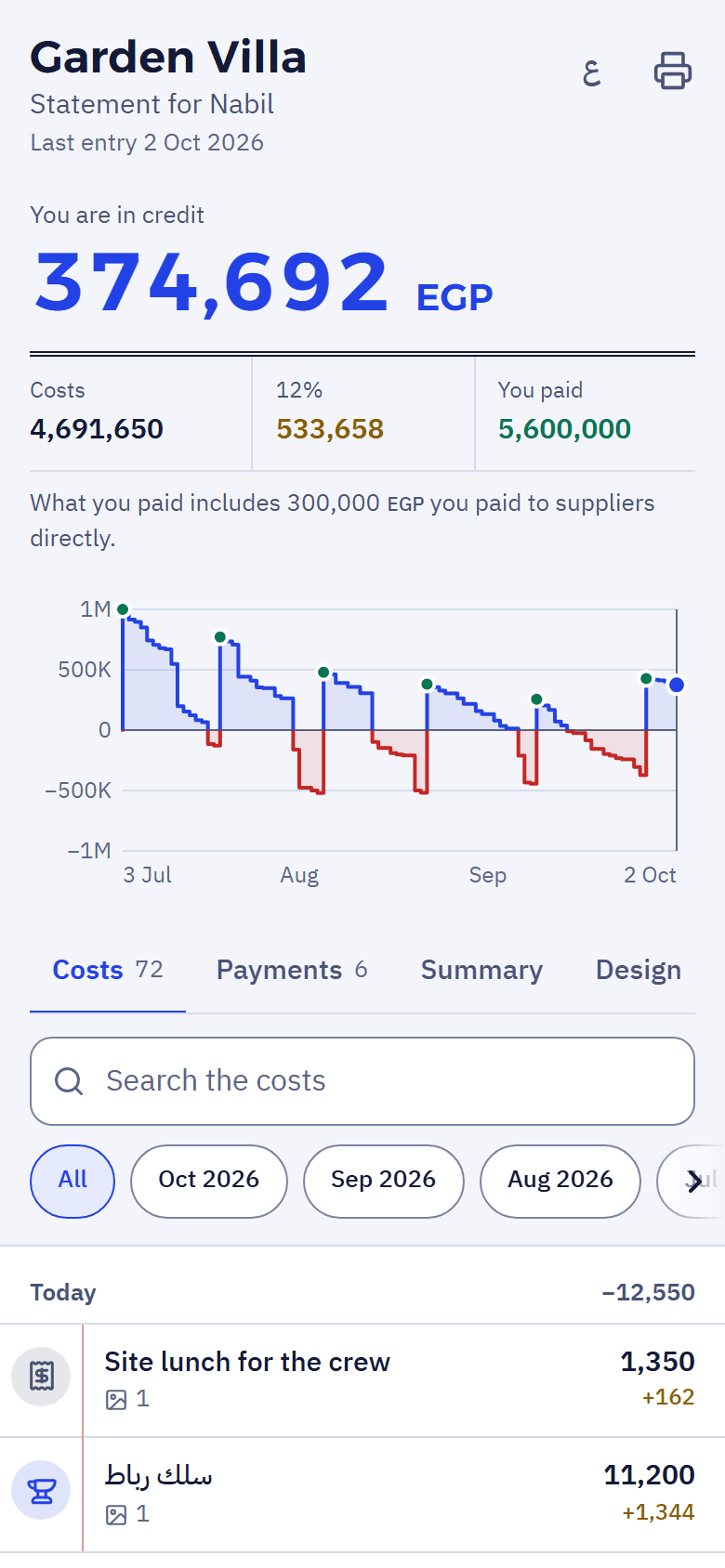
One link, nothing to sign up for.
- View onlyThe client looks and asks; they change nothing.
- A PIN, if you want oneAsked once; the phone is then remembered for 30 days.
- In their languageOpens in Arabic or English, and the client can switch on their phone.
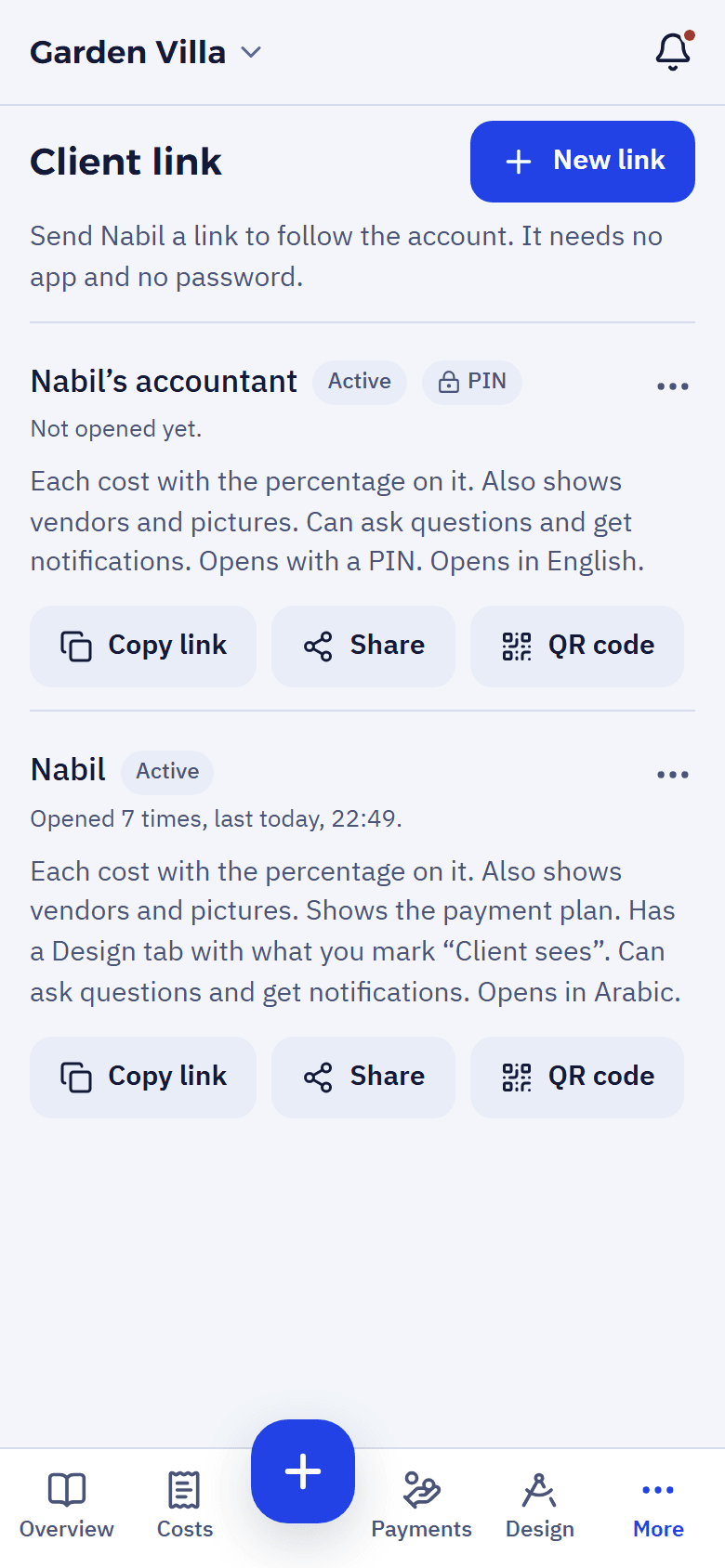
- More than one linkOne for the client and one for their accountant, each with a name only you see, and when it was last opened.
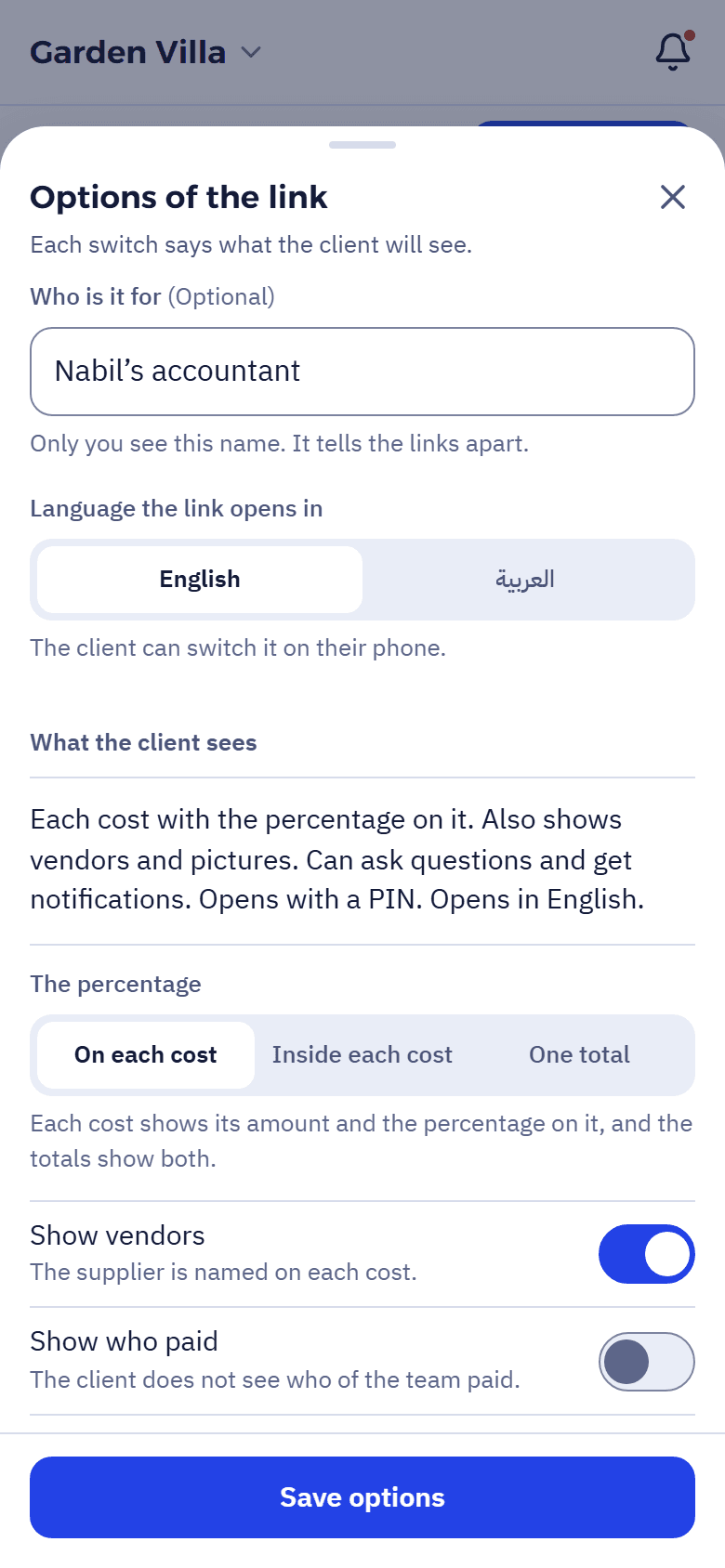
Each switch says what the client will see.
The options in the app are written from the client’s side, so before you save you know exactly what they will see.
- The percentage on each costOr each cost with the percentage in it, or the percentage as one total. Shown
- VendorsThe supplier named on each cost. Shown
- Who paidWhich member of the team paid each cost. Hidden
- PicturesInvoices and receipts, from each line. Shown
- Questions and notificationsThey can ask about a cost, and hear about new ones. Shown
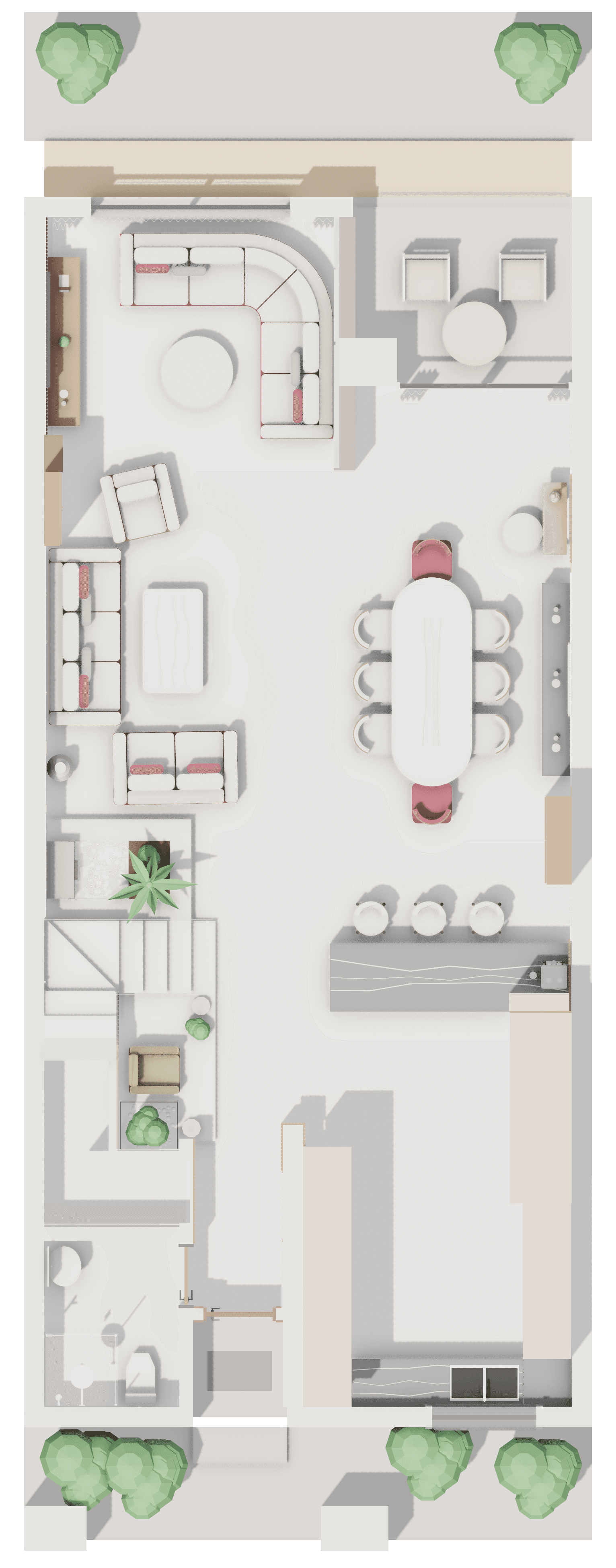
- DesignThe drawings you marked “Client sees” in the latest release. Shown
- Payment planThe agreed instalments, what came in and what is due. Hidden
A question on the cost itself.
If a figure surprises the client, they ask about it under the cost. The team is told at once, and the answer appears in the same place. No calls, no screenshots.
And the statement prints, or saves as a PDF, from the browser.
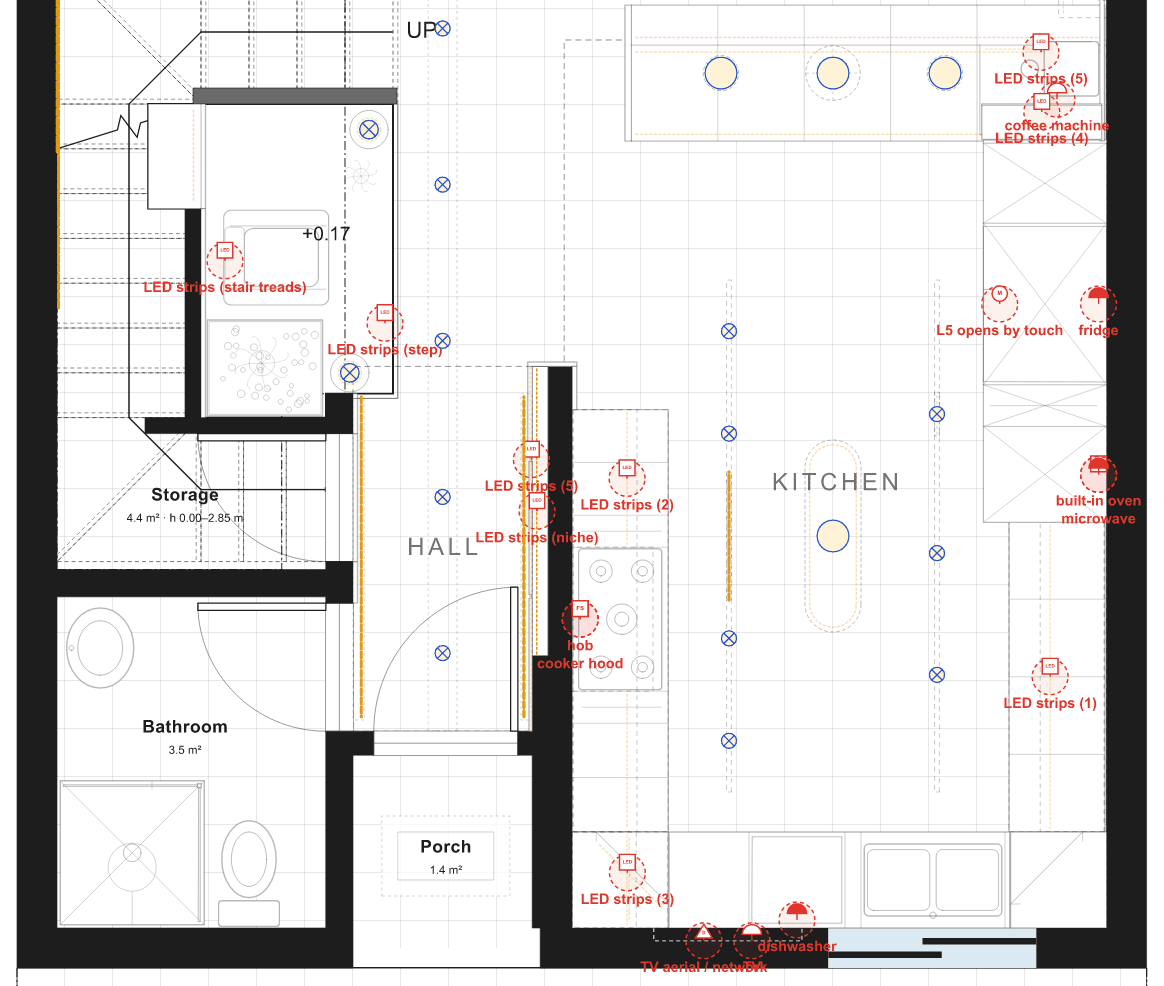
The drawings too, by the same rule.
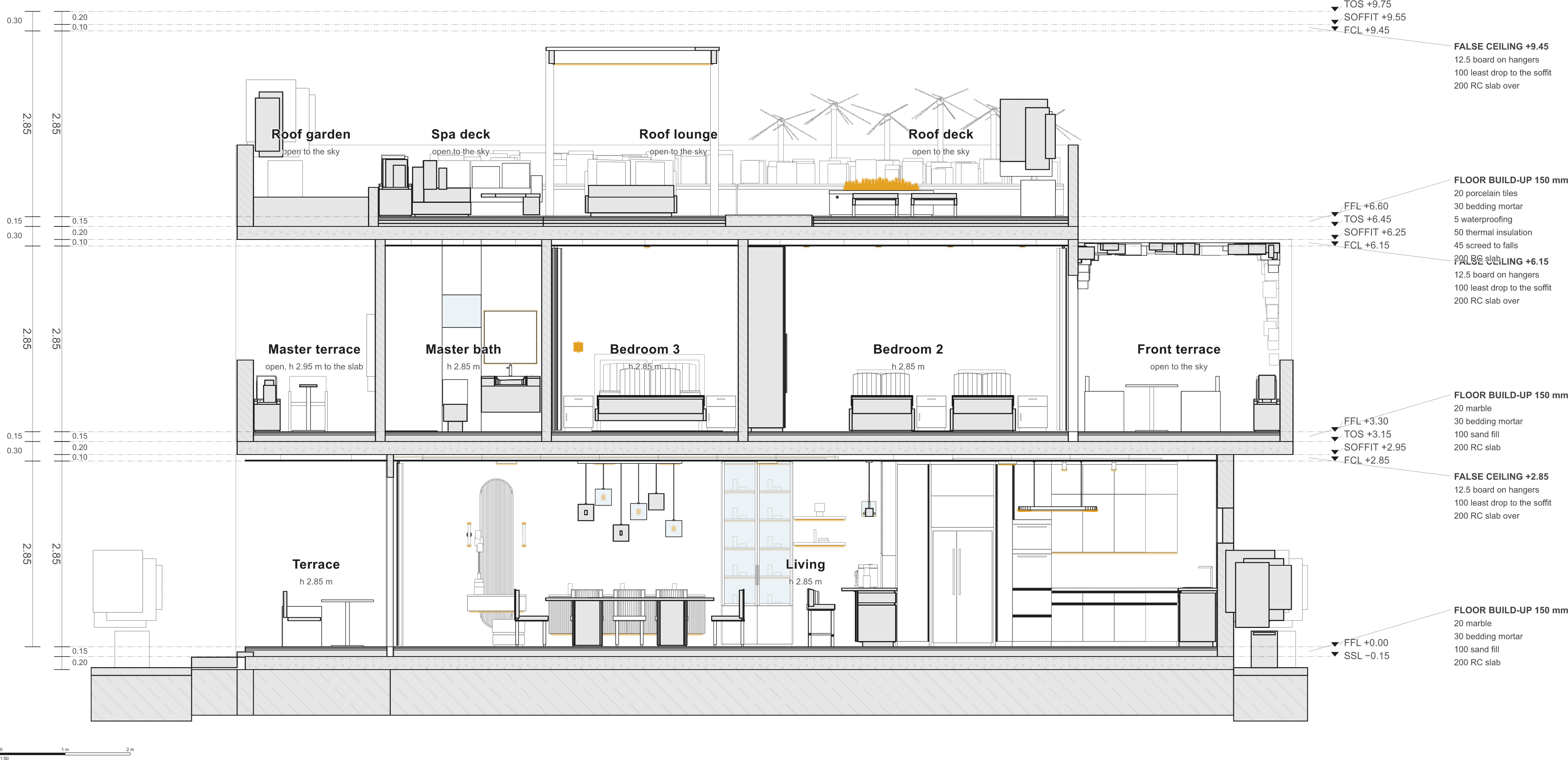
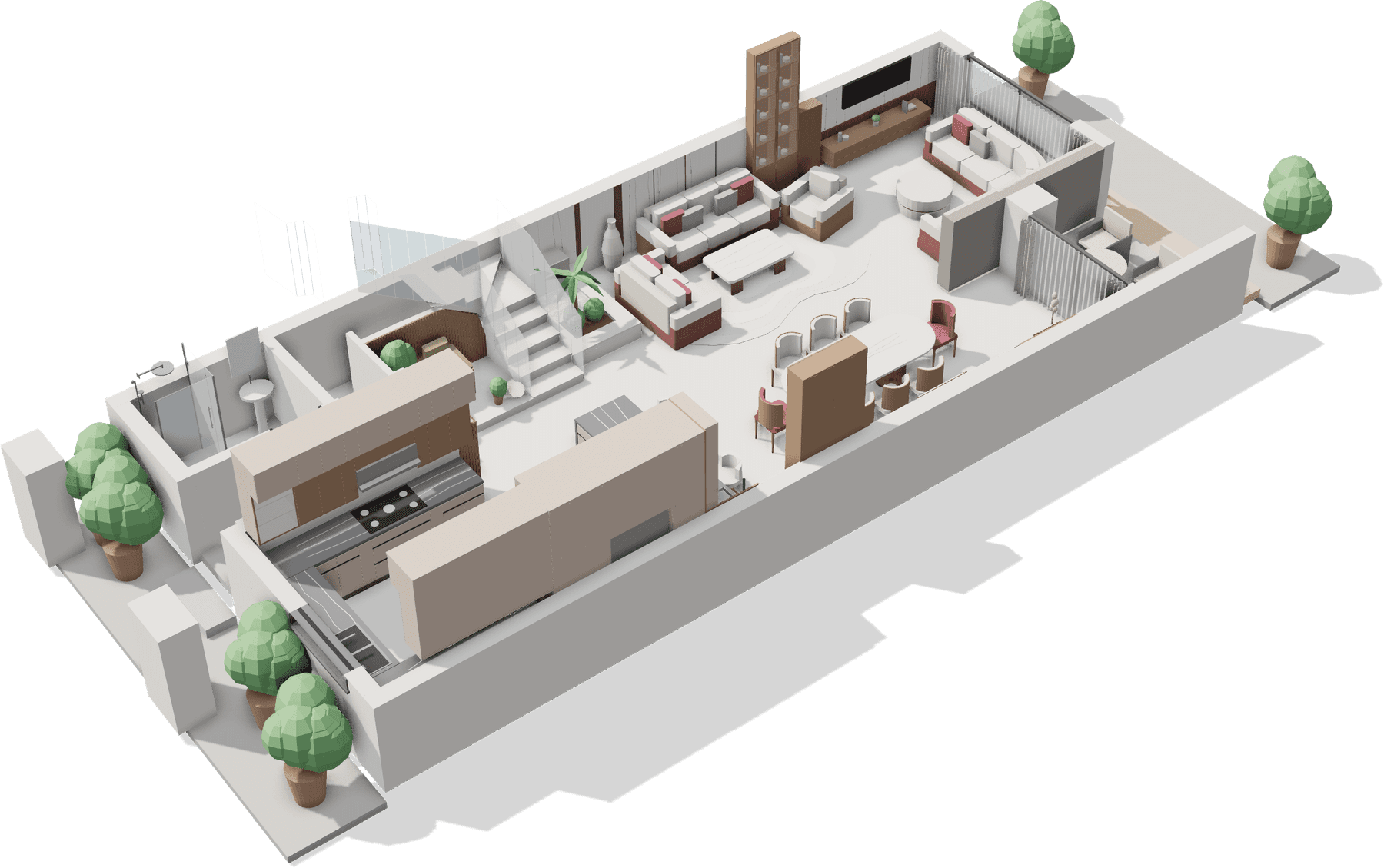
Nothing Studio publishes reaches the client until you choose. Mark the plan, the 3D and the render “Client sees”, and keep the electrical and the sections for the team. The client sees only the latest version of each.
-
-
-
-
-